 EditPix AI
Upload images to edit (required, up to 9 images).
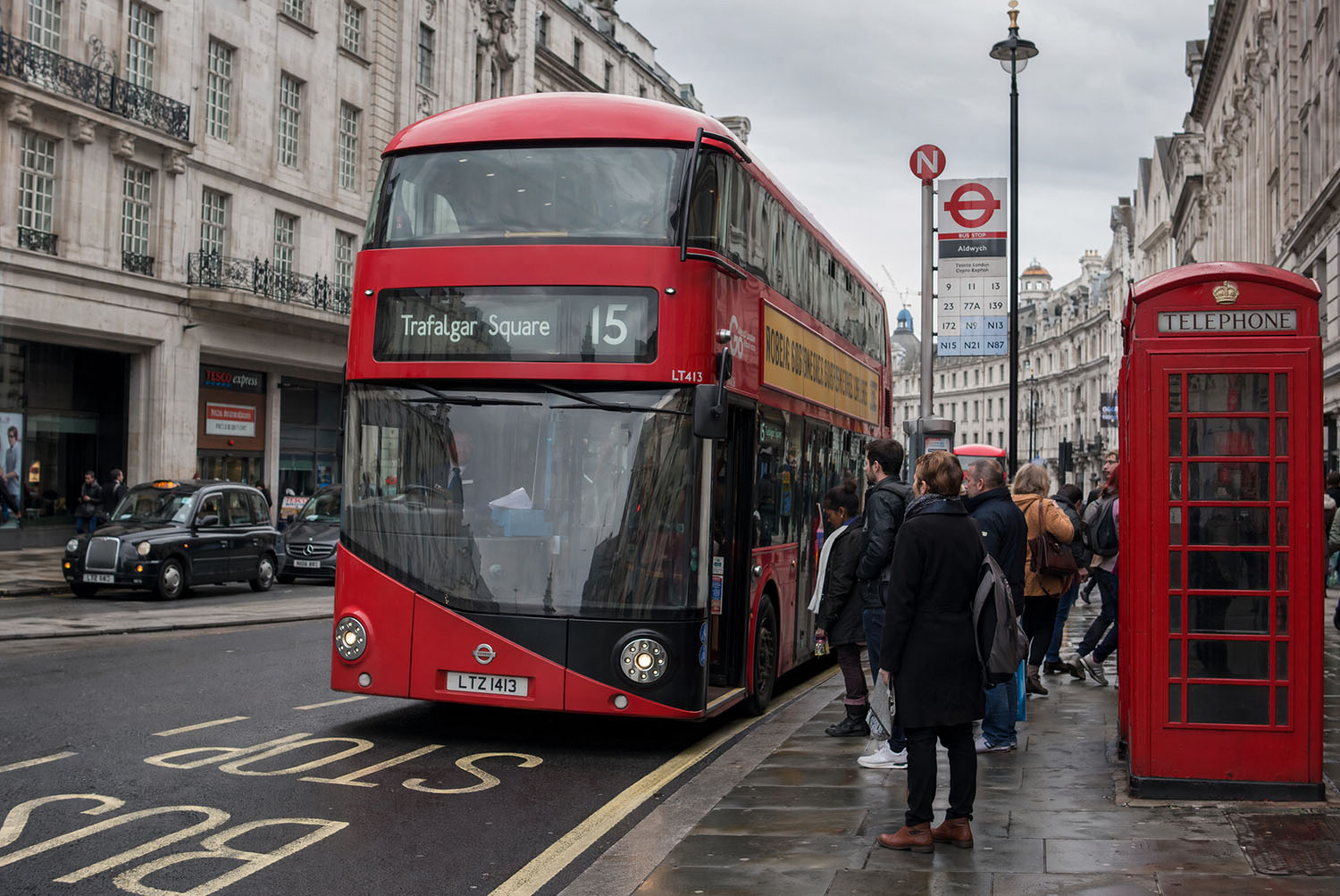
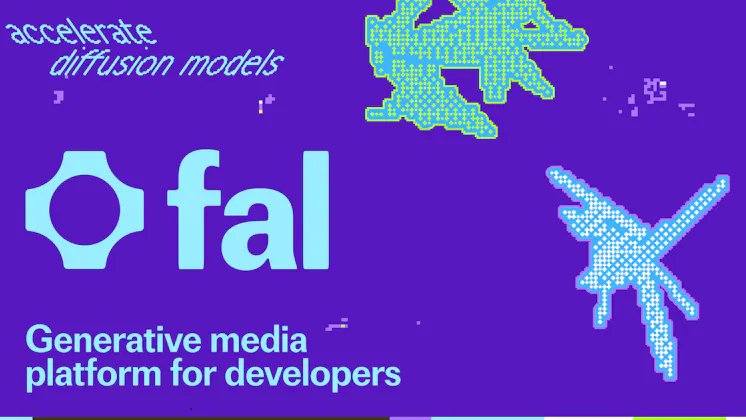
Describe what you want to edit the image
180/3000Quality for the generated image
Number of images to generate at once
Format of the output images.
Upload mask image (optional, up to 1 image).
This generation costs 10 credits · Available balance: 0 credits
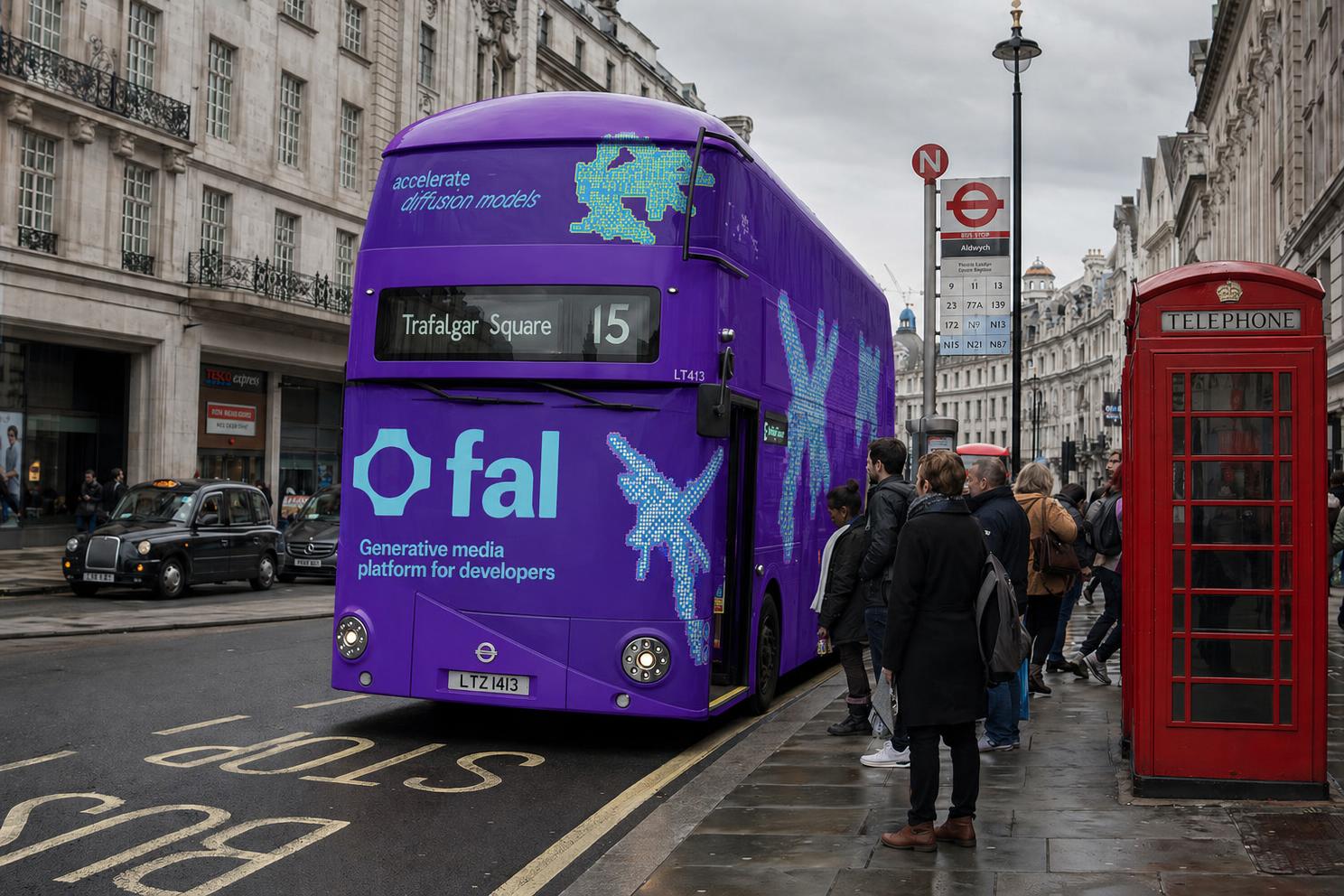
Generated in 235s
If download doesn't start, right-click (or long-press on mobile) the image and select "Save image as"
GPT Image 2 — Free AI Image Editor & Generator Online
Use GPT Image 2 to generate and edit stunning images with AI. OpenAI's most advanced image model with multi-image editing, text rendering, and photorealistic generation — free on EditPix.
No watermark. High-quality output. Free credits when you sign up.
How to Use GPT Image 2 on EditPix
Generate and edit images with GPT Image 2 in three simple steps — no design skills required.
Upload Images to GPT Image 2
Upload up to 9 images for multi-image editing, or start from scratch to generate new images with GPT Image 2. Supports JPG, PNG, and WebP.
Describe Your Edit or Creation
Type a natural language prompt — GPT Image 2 understands complex instructions for editing, combining, and generating images with photorealistic quality.
Download Your GPT Image 2 Result
Get your AI-generated or edited image in seconds. Full quality output in JPEG, PNG, or WebP — no watermark, ready to use anywhere.
Why Use GPT Image 2 on EditPix
GPT Image 2 is OpenAI's most powerful image model — combining generation and editing in one. Use it free on EditPix for professional-quality AI image creation and editing.
GPT Image 2 Multi-Image Editing
Edit up to 9 images simultaneously with GPT Image 2. Combine elements from multiple photos, merge scenes, or apply consistent edits across a batch — a capability unique to GPT Image 2.
Accurate Text Rendering
GPT Image 2 excels at generating images with readable, accurate text — logos, posters, signs, and UI mockups with clean typography that other AI models struggle to produce.
Photorealistic AI Generation
Generate photorealistic images from text prompts with GPT Image 2. From product photography to portrait-style images, GPT Image 2 delivers studio-quality results.
Fast & High-Quality Output
GPT Image 2 produces high-quality images quickly. Choose between low, medium, and high quality settings to balance speed and detail for your specific needs.
Natural Language Editing with GPT Image 2
Describe edits in plain English — GPT Image 2 understands context and intent precisely. Remove objects, change backgrounds, swap styles, or combine images with simple prompts.
Mask-Based Precision Editing
Use optional mask images with GPT Image 2 for pixel-precise control. Define exactly which areas to edit while preserving the rest — ideal for professional retouching and compositing.
GPT Image 2 — FAQ
Everything you need to know about using GPT Image 2 for AI image generation and editing.
What is GPT Image 2 and what can it do?
GPT Image 2 is OpenAI's latest and most advanced AI image model. It combines image generation and editing in one model — you can generate new images from text prompts, edit existing photos with natural language instructions, and even combine multiple images (up to 9) into a single composition. GPT Image 2 excels at photorealism, accurate text rendering, and understanding complex multi-image editing instructions.
Is GPT Image 2 free to use on EditPix?
Yes — you can use GPT Image 2 free on EditPix. Every new account gets free credits to start generating and editing images with GPT Image 2 immediately, no payment required. Each GPT Image 2 generation costs credits based on quality and size settings.
How is GPT Image 2 different from DALL-E 3?
GPT Image 2 is OpenAI's successor to DALL-E, offering significantly better image quality, native multi-image editing support, more accurate text in images, and improved instruction following. Unlike DALL-E 3, GPT Image 2 can edit existing images directly and handle up to 9 input images simultaneously.
Can GPT Image 2 edit multiple images at once?
Yes — GPT Image 2 supports multi-image editing, allowing you to upload up to 9 images and edit them together. You can combine elements from multiple photos, apply consistent style changes, or merge scenes — all in a single prompt.
What quality settings does GPT Image 2 offer?
GPT Image 2 on EditPix offers four quality levels: Low (fastest, lowest credit cost), Medium (balanced), High (best detail), and Auto (model decides). Higher quality produces more detailed images but uses more credits and takes slightly longer.
Can GPT Image 2 generate text in images accurately?
Yes — GPT Image 2 is one of the best AI models for rendering accurate, readable text in generated images. It can create posters, logos, signs, UI mockups, and social media graphics with clean, correctly spelled typography.
What image formats does GPT Image 2 support?
GPT Image 2 on EditPix accepts JPG, PNG, and WebP uploads for editing. Output is available in JPEG, PNG, or WebP format. You can also choose from multiple aspect ratios including square, 4:3, 16:9, and more.
Will images generated with GPT Image 2 have a watermark?
Never. All images you generate or edit with GPT Image 2 on EditPix are completely watermark-free on every plan, including the free credits. Your creations are clean and ready to use anywhere.
Have more questions about GPT Image 2? Contact our support team
Explore AI Models
Choose from our collection of state-of-the-art AI models for image, video, and voice generation.

Seedream 4.5
HOTByteDance's high-quality image generation model with excellent prompt adherence.
Seedream 5 Lite
Lightweight version of Seedream 5, optimized for fast image generation.

Wan 2.7
HOTAlibaba's high-quality image generation model with excellent prompt adherence.

GPT Image 2
HOTOpenAI's latest image generation and editing model with native multi-image support.

Grok
xAI's creative image model known for unrestricted artistic generation.
Grok v2.0
NEWxAI's creative image model known for unrestricted artistic generation.

Nano Banana 2
HOTGoogle's fast image generation model with conversational editing, multi-image fusion, and character consistency
Nano Banana Pro
Google's premium image generation model with superior detail and composition.

MiniMax H3
MiniMax H3 is an open-weights, general-purpose multimodal video model. Instead of a separate model for each task, MiniMax H3 reads text, images, video, and audio in one unified context and generates coherent audiovisual results from any mix of them.
MiniMax H3 Max
HOTMiniMax H3 Max is a post-trained variant of MiniMax H3, tuned for stronger prompt adherence and better aesthetics while co-optimized with our custom inference stack for higher throughput with no compromises on output quality
Seedance 1.5 Pro
HOTByteDance's professional video generation model with high motion quality.
Seedance 2.5
Dreamina Seedance 2.5 is ByteDance's next-generation video generation model. It generates native 30-second video at super high resolution and combines up to 50 multimodal references in a single generation.
Seedance 2.0
ByteDance's next-generation video model with improved coherence and visual fidelity.

Kling Video v3
Kuaishou's advanced video generation model with realistic motion and physics.

Happy Horse V1.1
Alibaba's video generation model optimized for creative and dynamic content.
Veo 3.1
Google's new and improved version of Veo 3, with higher-fidelity video, context-aware audio, reference image and last frame support

ElevenLabs
NEWIndustry-leading text-to-speech model with natural and expressive voice synthesis.
Start Using GPT Image 2 for Free
Generate and edit images with GPT Image 2 — OpenAI's most powerful image AI. No watermark, high-quality output, free credits to start.
Free credits on every new account — no credit card required.