 EditPix AI
Upload images to edit (required, up to 10 images).
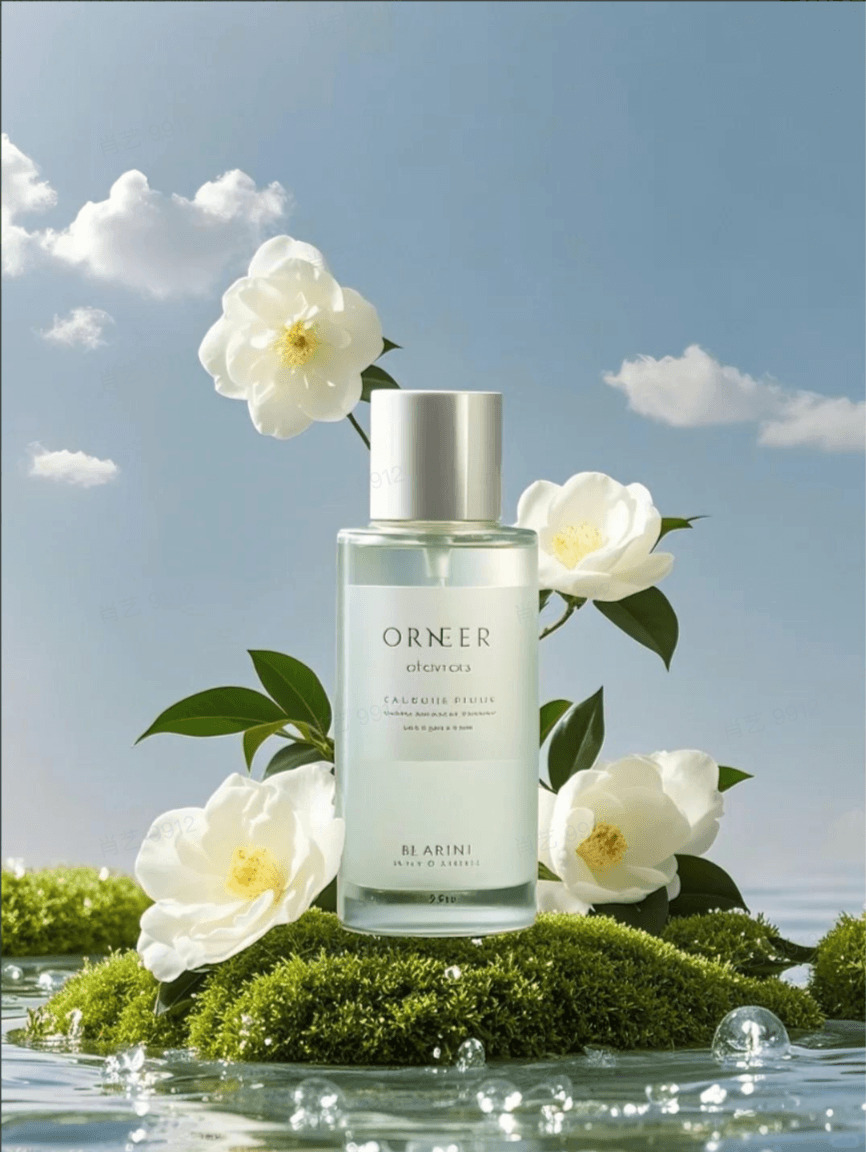
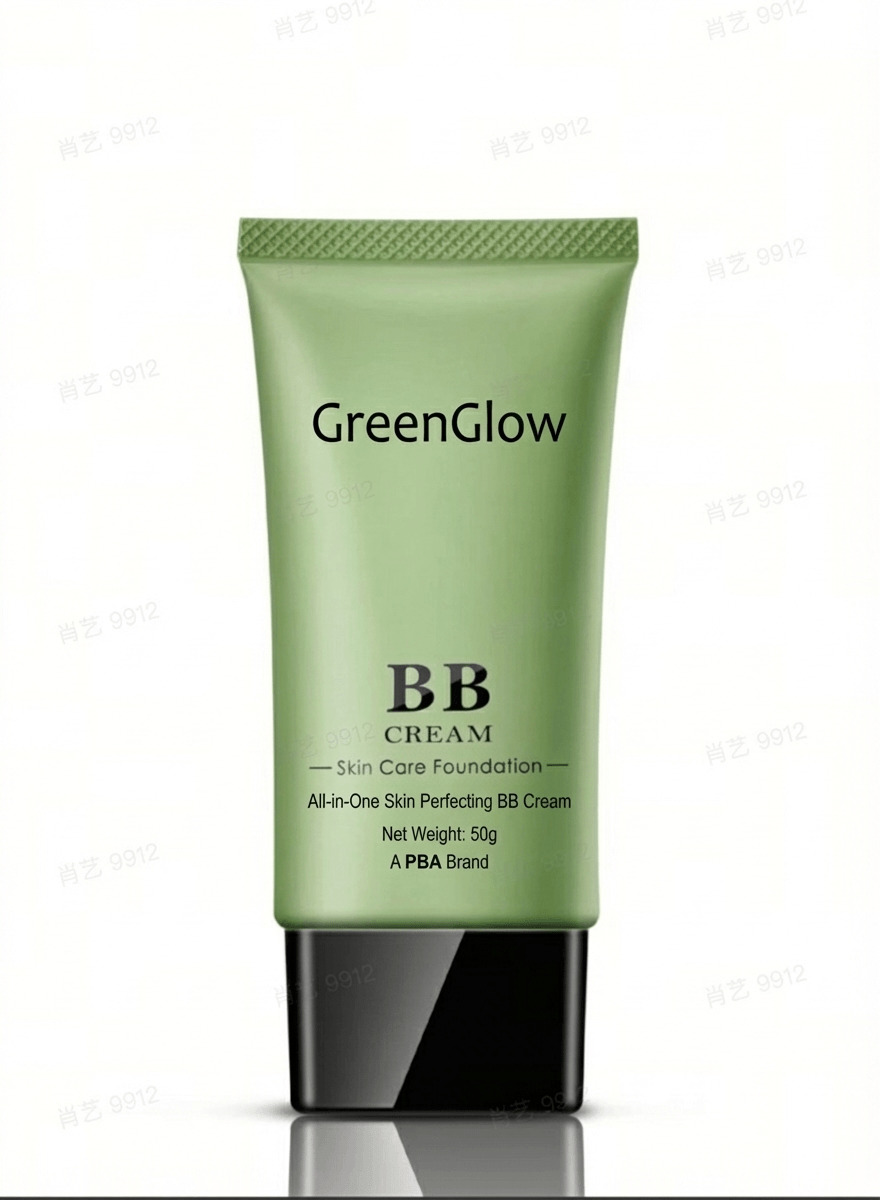
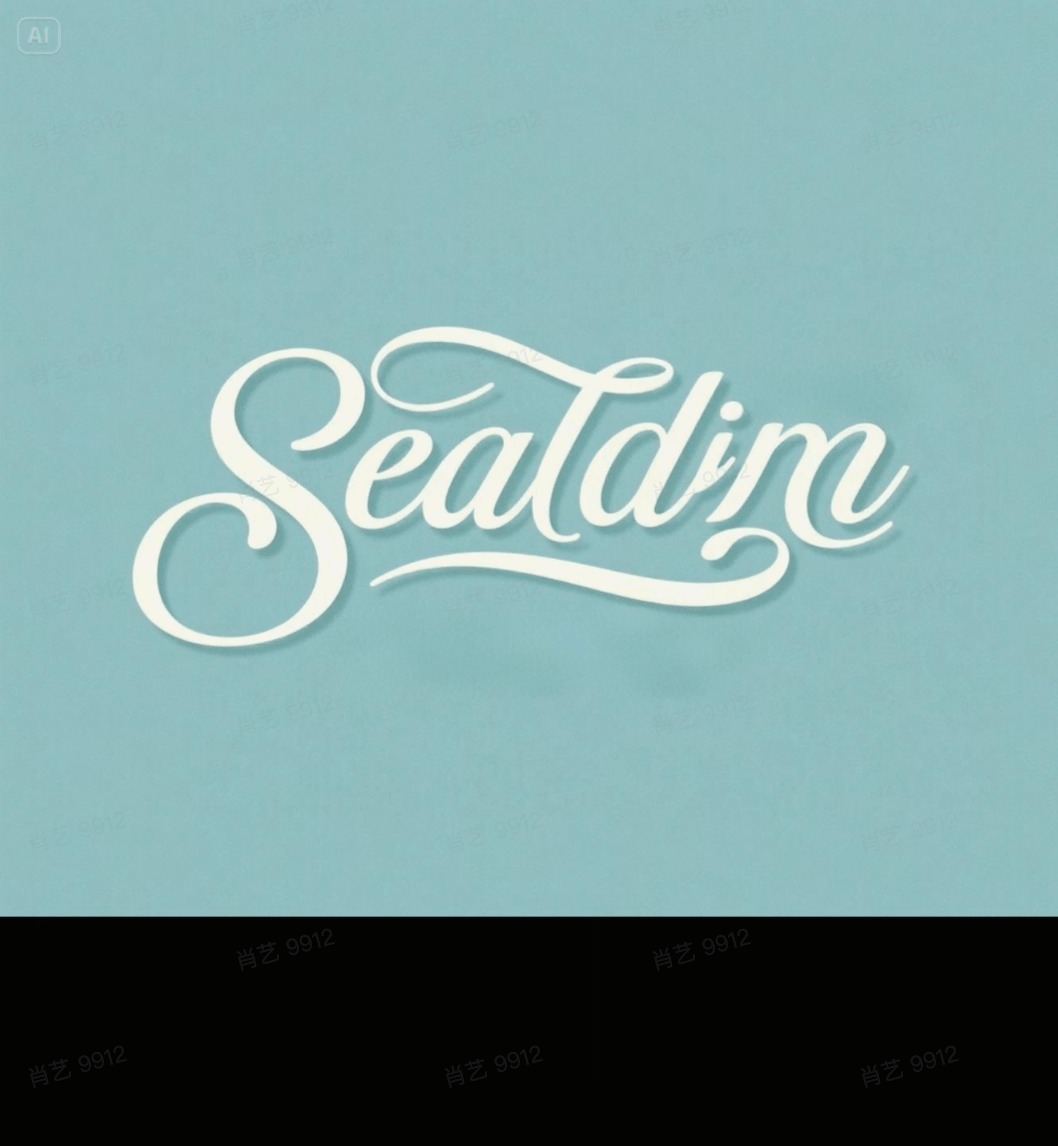
Describe what you want to edit the image
211/3000Number of images to generate at once
This generation costs 5 credits · Available balance: 0 credits
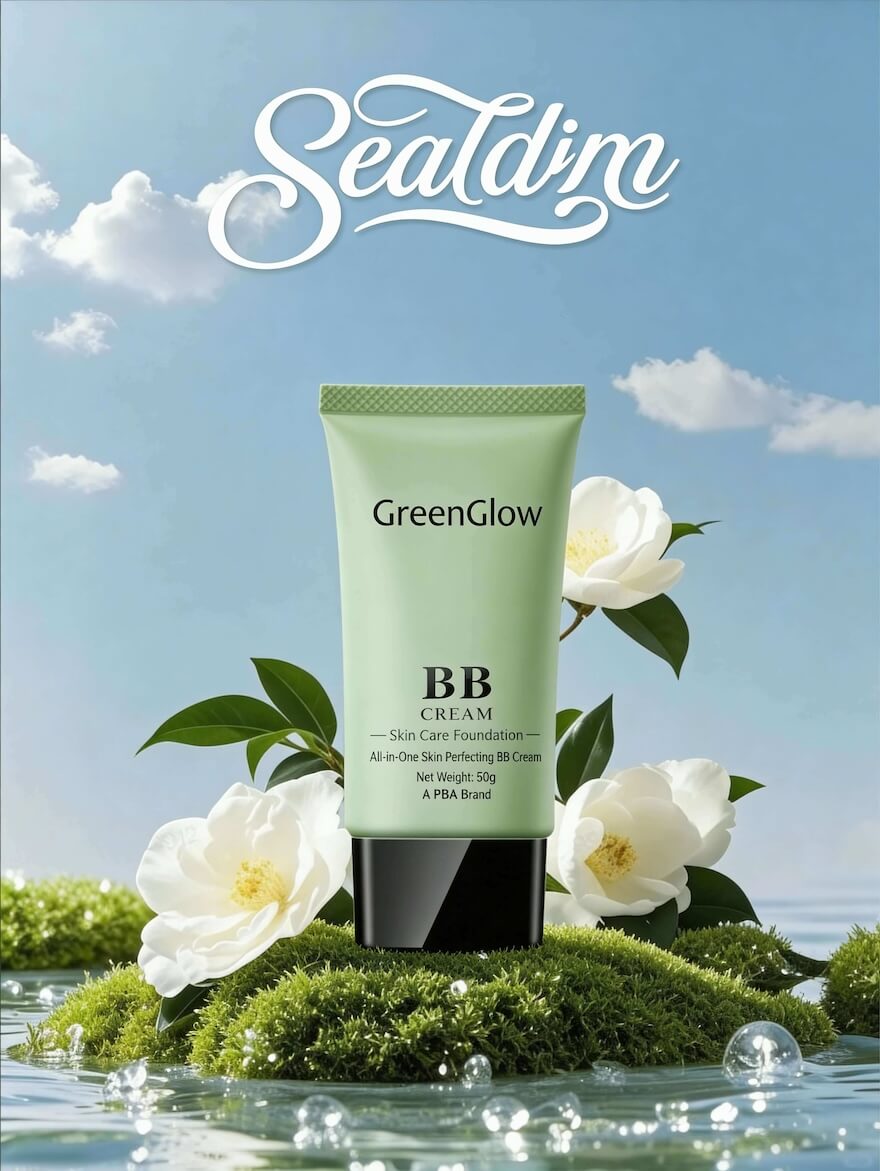
Generated in 50s
If download doesn't start, right-click (or long-press on mobile) the image and select "Save image as"
Free AI Image Editor & Generator
Edit and create images with AI prompts — remove backgrounds, erase objects, swap scenes, edit text in photos, and more.
No watermark. High-quality output. Free credits when you sign up.
Edit Images with AI in 3 Steps
No learning curve. No complex tools. Just upload, prompt, and download.
Upload Your Image
Drag and drop or select any JPG, PNG, or WebP image. Or start from scratch to generate a new image with AI.
Describe Your Edit
Type a prompt in plain language — "remove the background", "make it look like a painting", "erase the person on the left".
Download the Result
Get your AI-edited image in seconds. Full quality, no watermark, ready to use anywhere.
AI Image Editing & Generation — All in One
EditPix combines a powerful AI image editor and generator with an intuitive prompt-based interface — making professional photo editing accessible to everyone.
Fast & Precise Editing
Get professional results in seconds. Our AI understands your intent precisely — from subtle retouches to dramatic transformations, every edit is delivered fast and accurately.
Zero Data Storage
Your uploaded images are never stored after processing. We edit your photos and discard all files immediately — your pictures stay private, always.
AI Image Editor with Prompt
Powered by cutting-edge AI models — describe your edit in natural language and get results in seconds. From subtle retouches to full image-to-image transformations and AI image generation.
No Watermark, Full Quality
Download your AI-edited and AI-generated images in full quality, completely clean. Free or paid — every image comes without watermarks or branding.
Edit with AI Prompts
No complicated tools or layers. Just type an AI prompt to edit your picture: "remove the person on the left", "make the sky a sunset", "add a cat on the chair". Done.
All-in-One AI Image Editor & Generator
Remove backgrounds, erase unwanted objects, restore old photos, image-to-image editing, replace scenes, edit text in images, and generate new images from prompts — one powerful AI editor, unlimited possibilities.
Free AI Image Editing & Generation Tools
From background removal to photo restoration and AI image generation — see what's possible with EditPix.
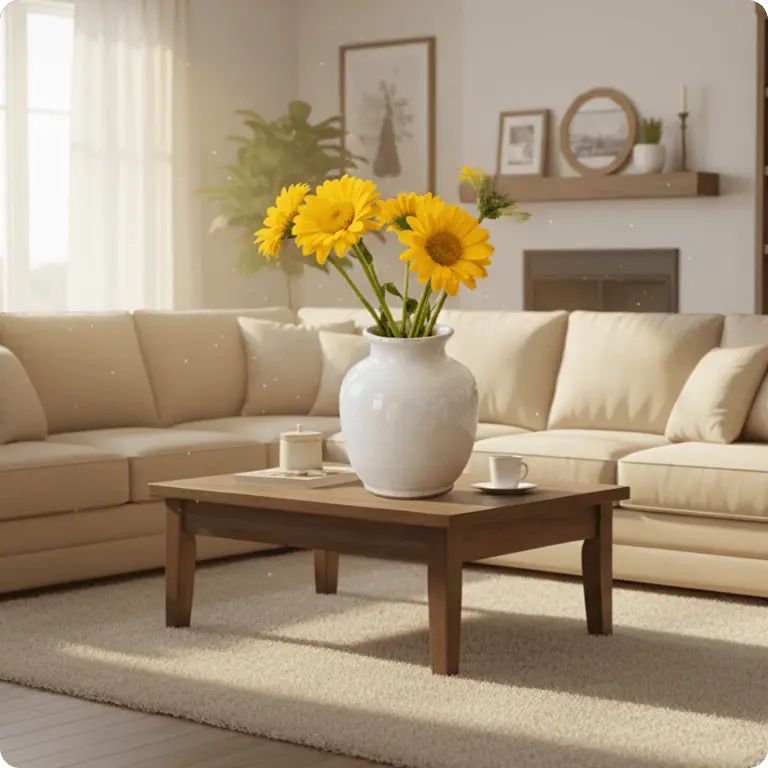 Before
 After
AfterAI Background Remover
Instantly remove backgrounds from product photos, portraits, or any image with AI. Get clean transparent PNGs with no watermark — free and ready to use.
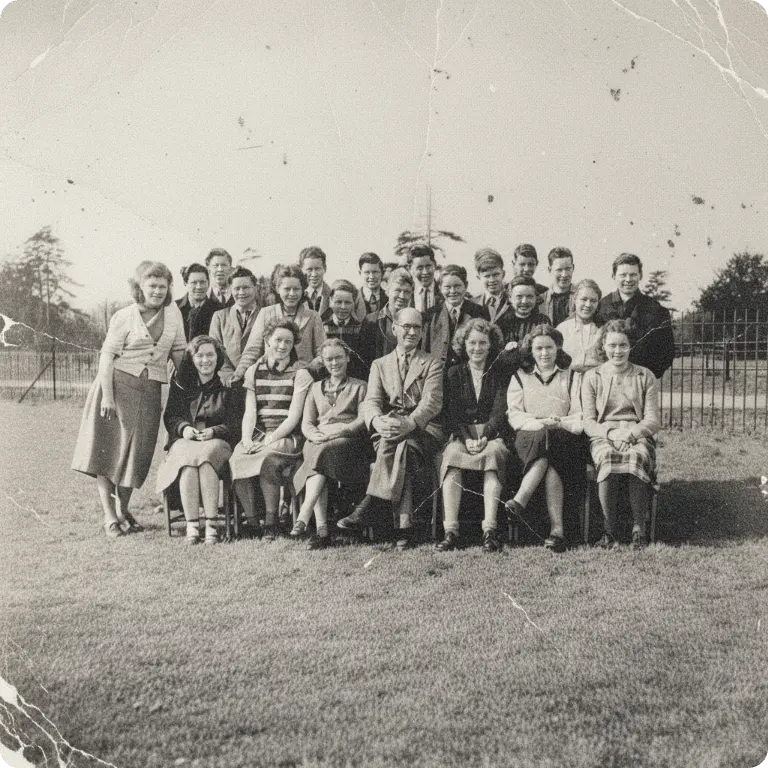 Before
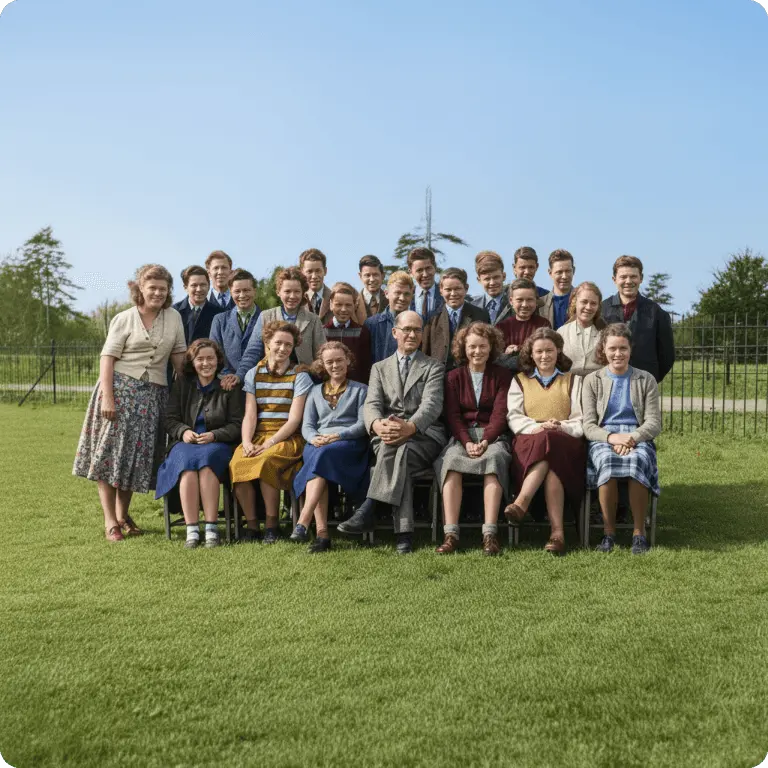 After
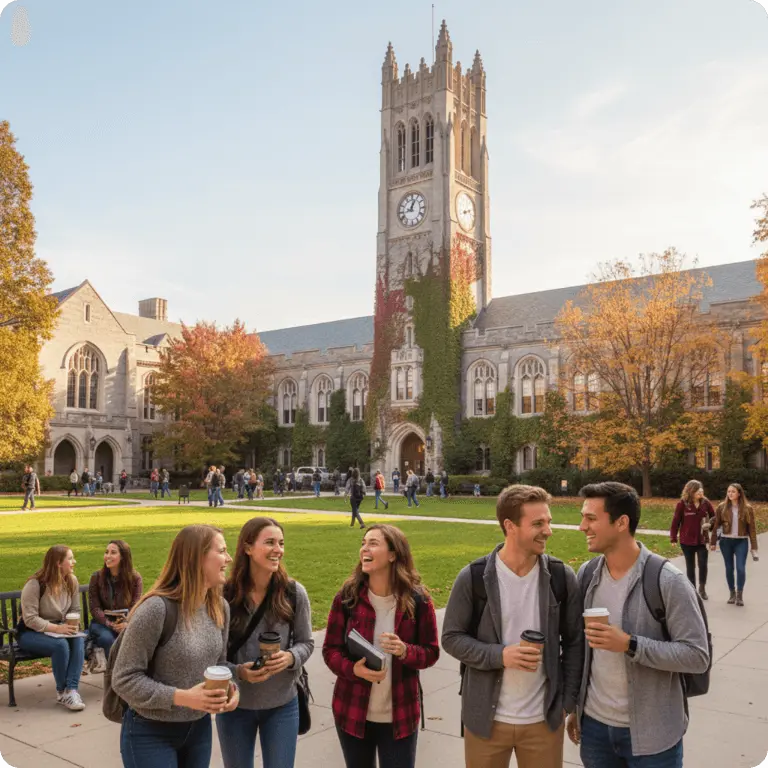
AfterAI Photo Restoration
Restore damaged or faded photographs with AI. Fix scratches, enhance quality, and colorize black-and-white images — free online, no watermark.
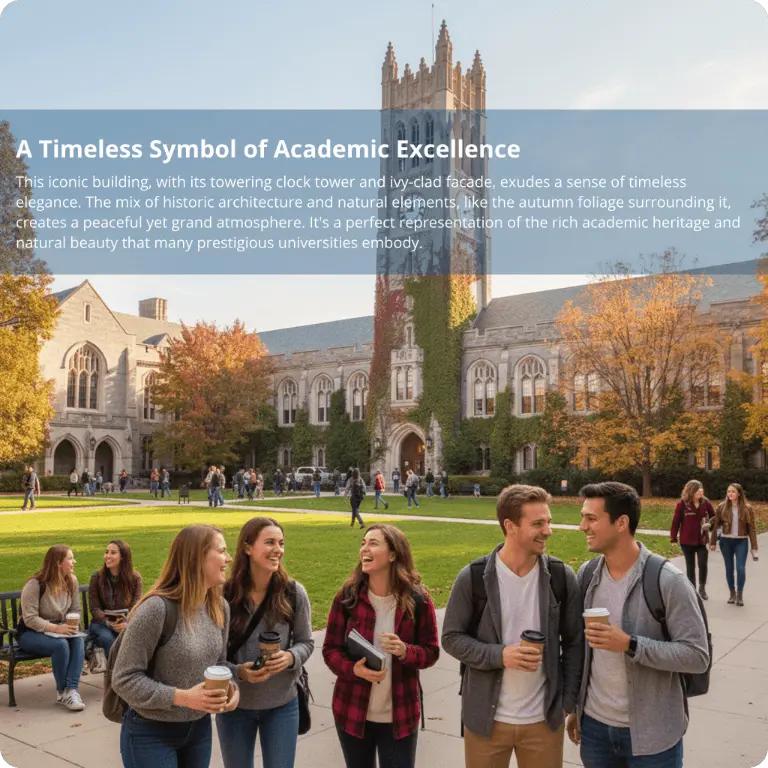 Before
 After
AfterAI Text Remover
Remove text, watermarks, and captions from any image with AI. Clean up photos online instantly — free, no watermark, no Photoshop skills needed.
 Before
 After
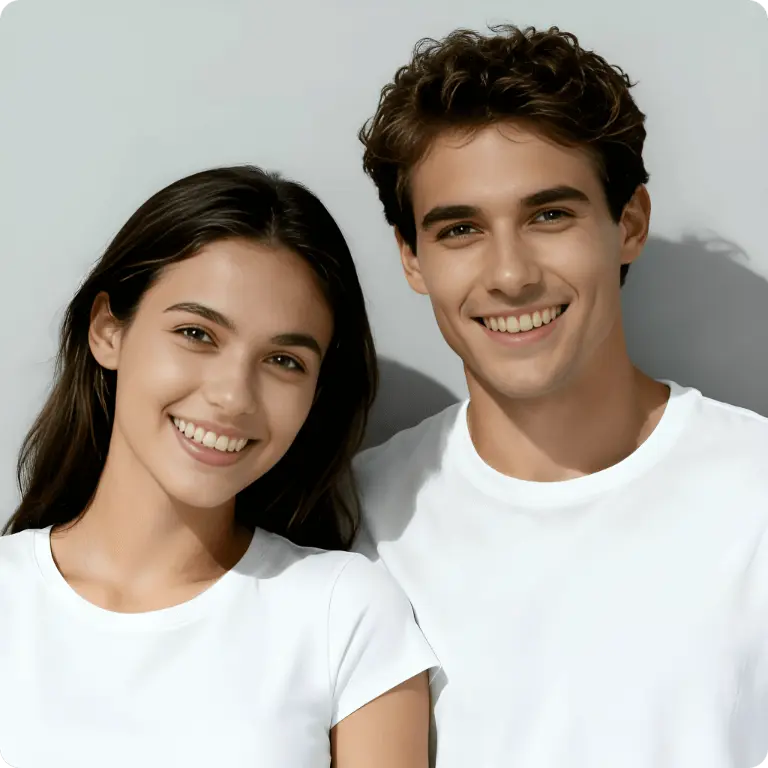
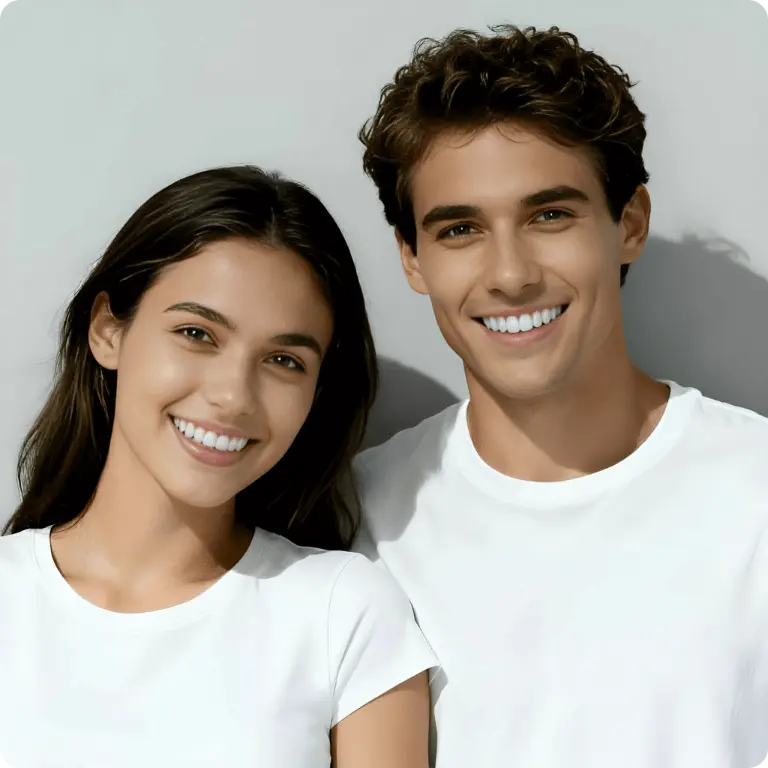
AfterAI Teeth Whitening
One-click AI teeth whitening for a natural, flawless smile. Upload your photo, brighten teeth instantly, and download — fast and free online.
 Before
 After
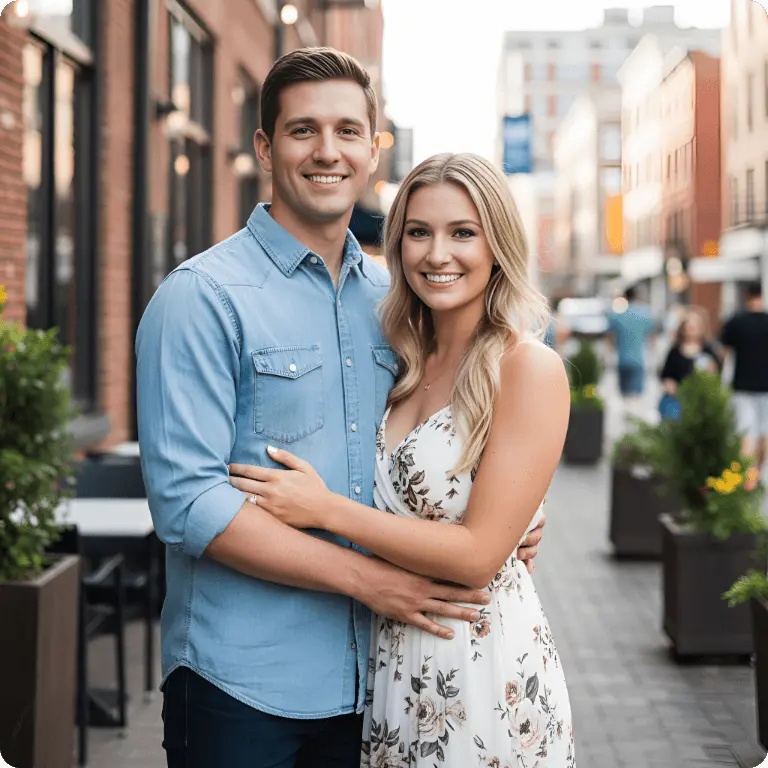
AfterAI Sticker Generator
Turn any photo into a custom die-cut sticker with AI. Create fun stickers from portraits, pets, or any image — free online, no watermark.
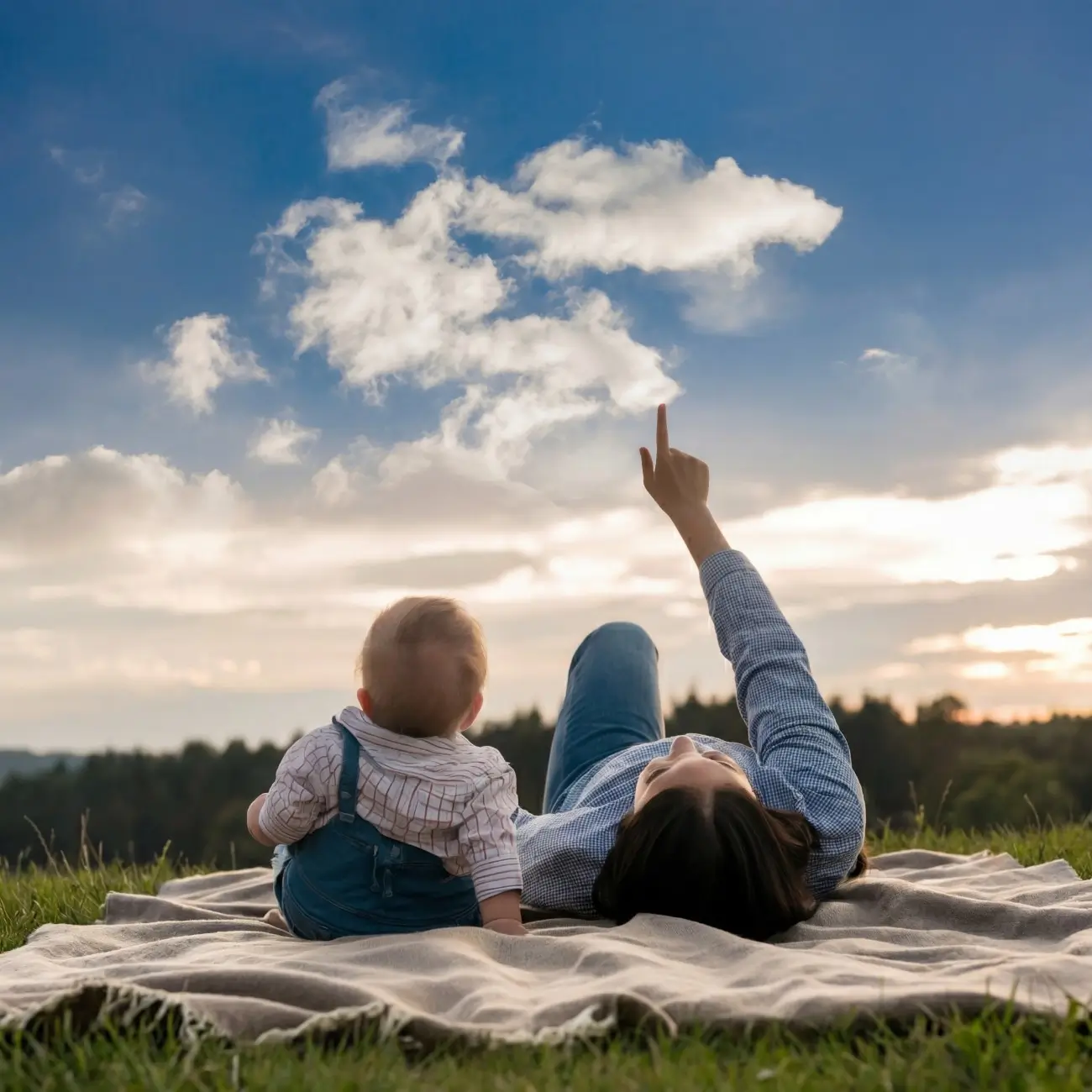 Before
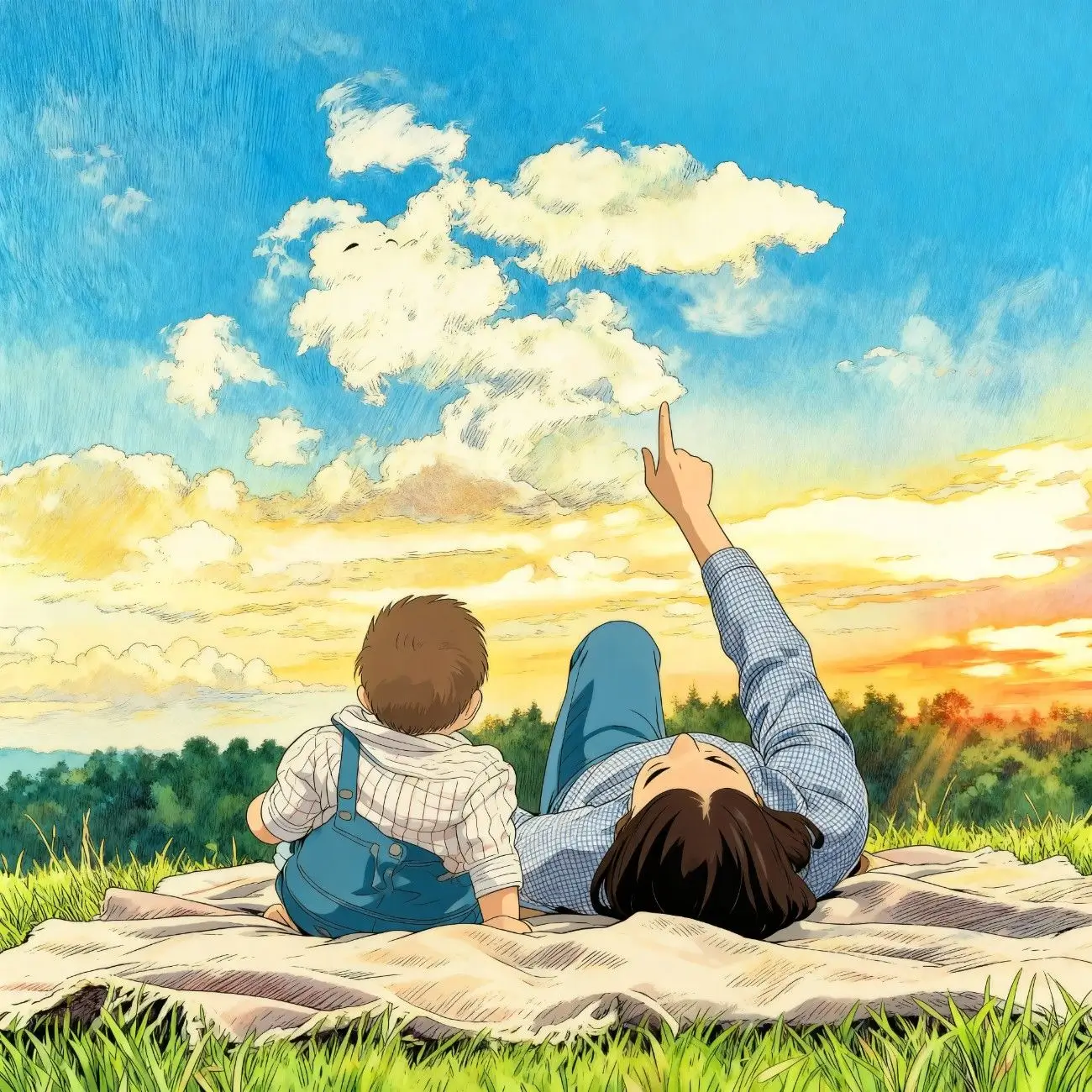 After
AfterAI Cartoon Generator
Transform any photo into a cartoon or anime-style illustration with AI. Upload a portrait and get a stylized version in seconds — free online.
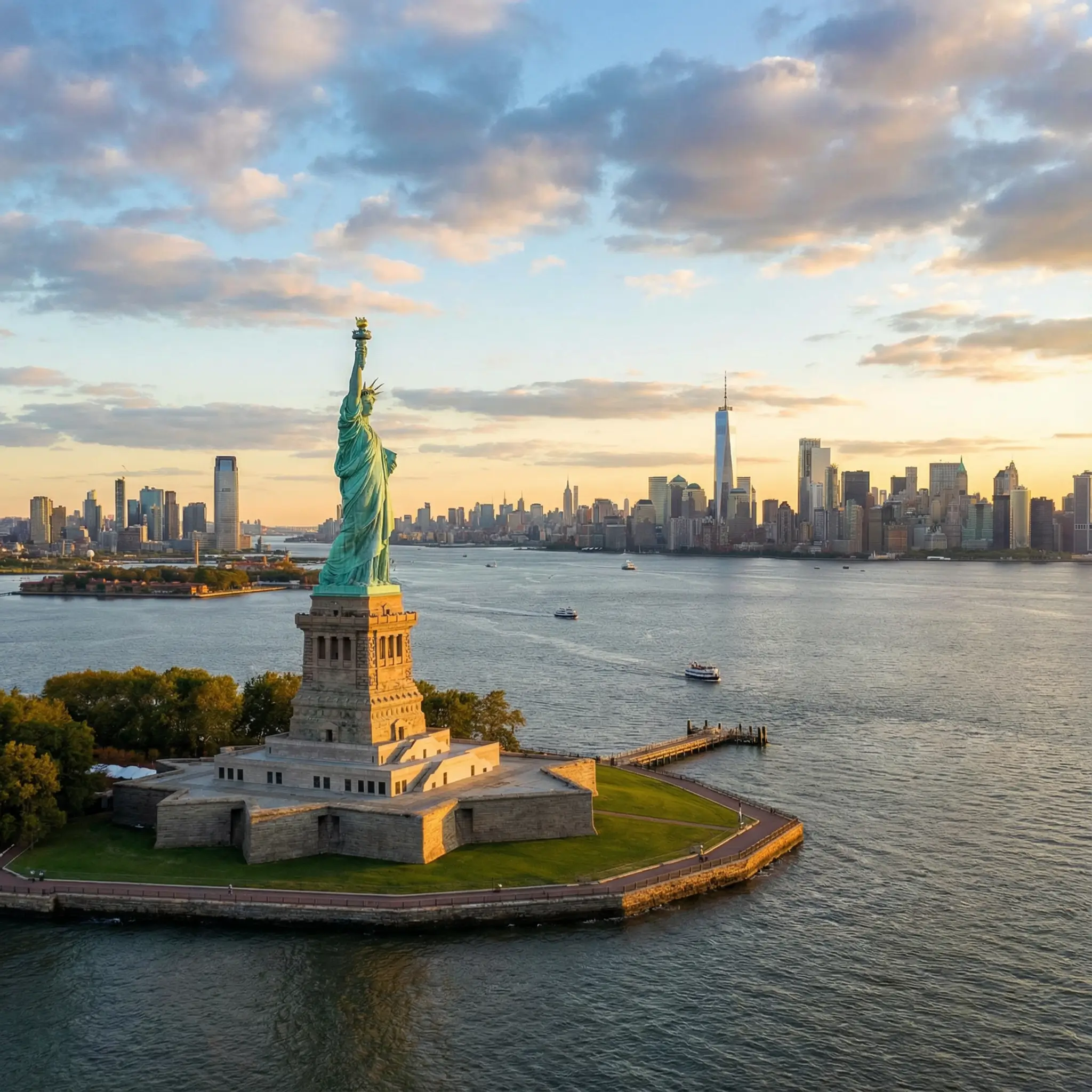 Before
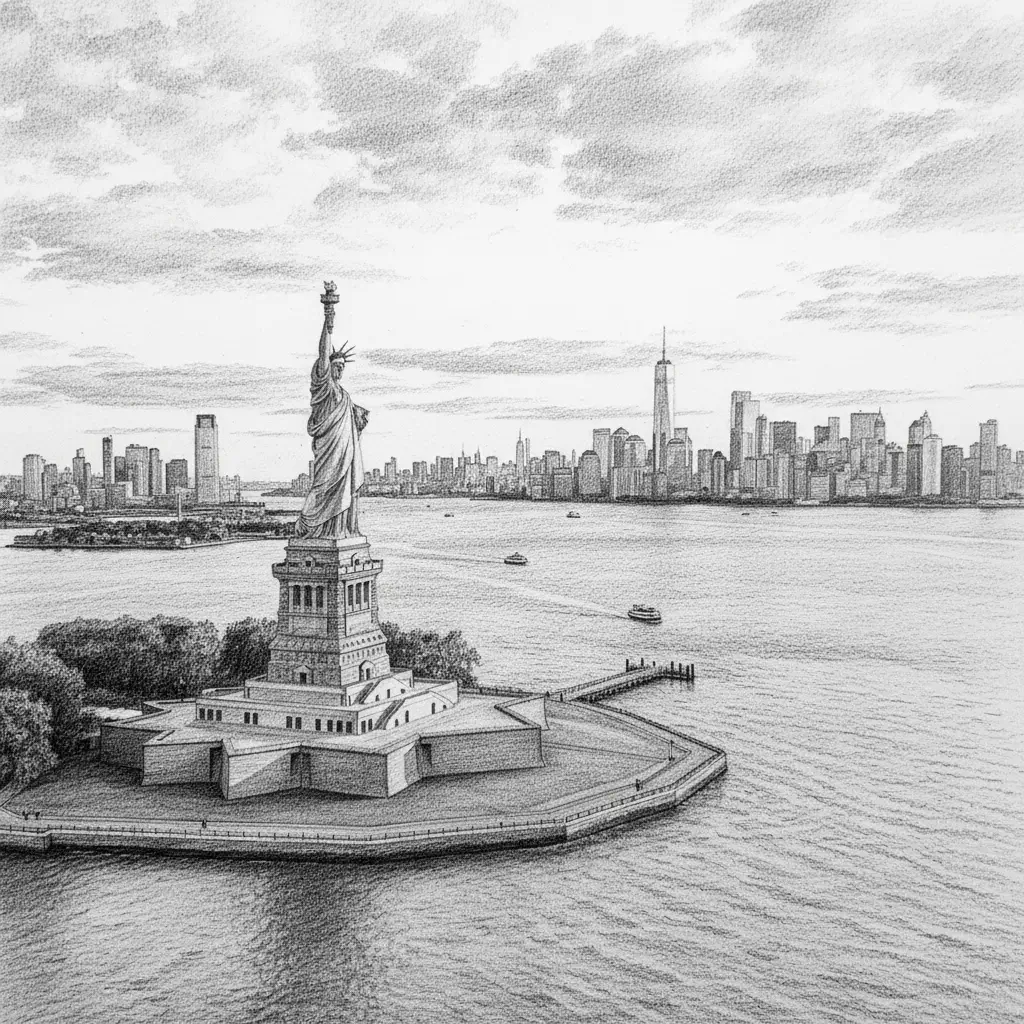 After
AfterAI Photo to Sketch
Convert any photo into a pencil sketch or line drawing with AI. Explore artistic styles instantly — free online, no sign-up needed.
 Before
 After
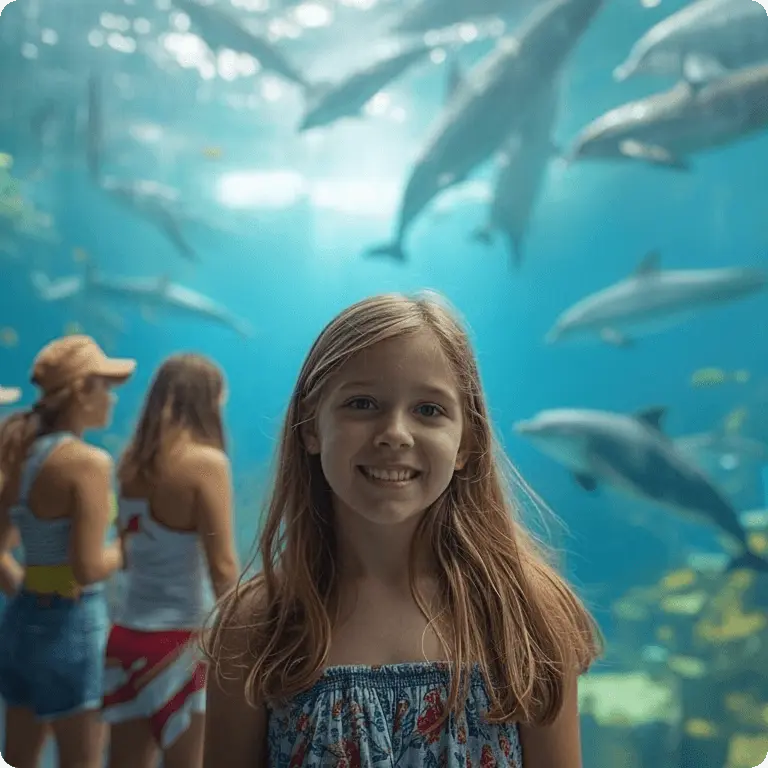
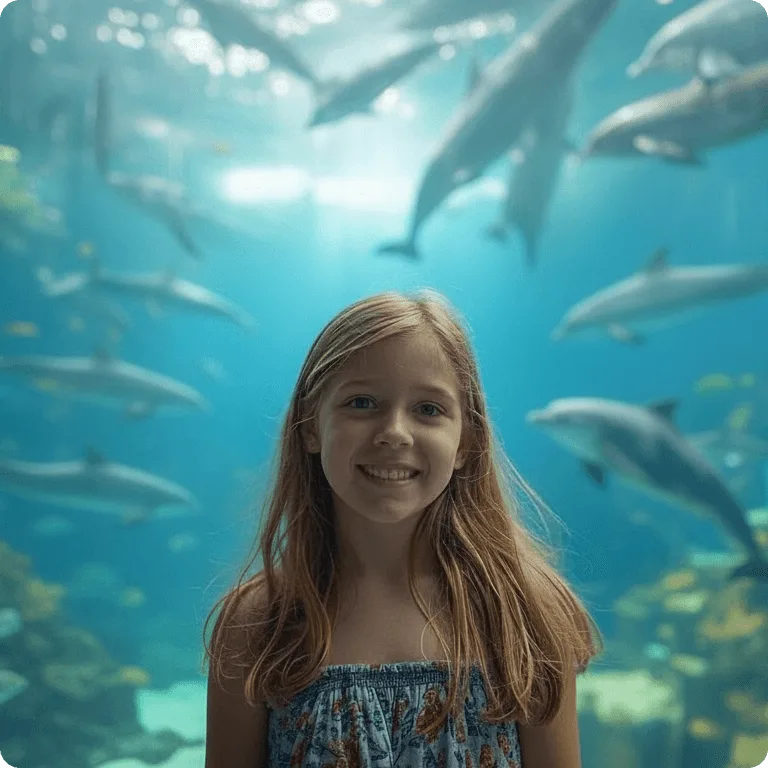
AfterAI Object Remover
Remove unwanted objects, people, or distractions from your photos with AI. Clean up images online instantly — free, no sign-up needed.
 Before
 After
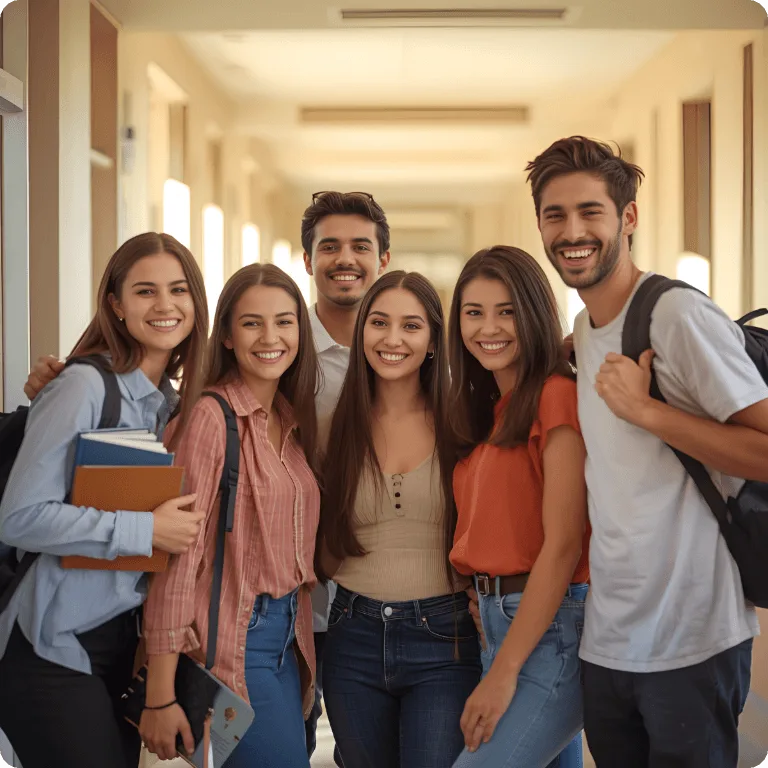
AfterAI Image Enhancer
Enhance blurry or low-quality photos to HD clarity with one click. AI sharpens details, reduces noise, and improves colors — free online, no watermark.
 Before
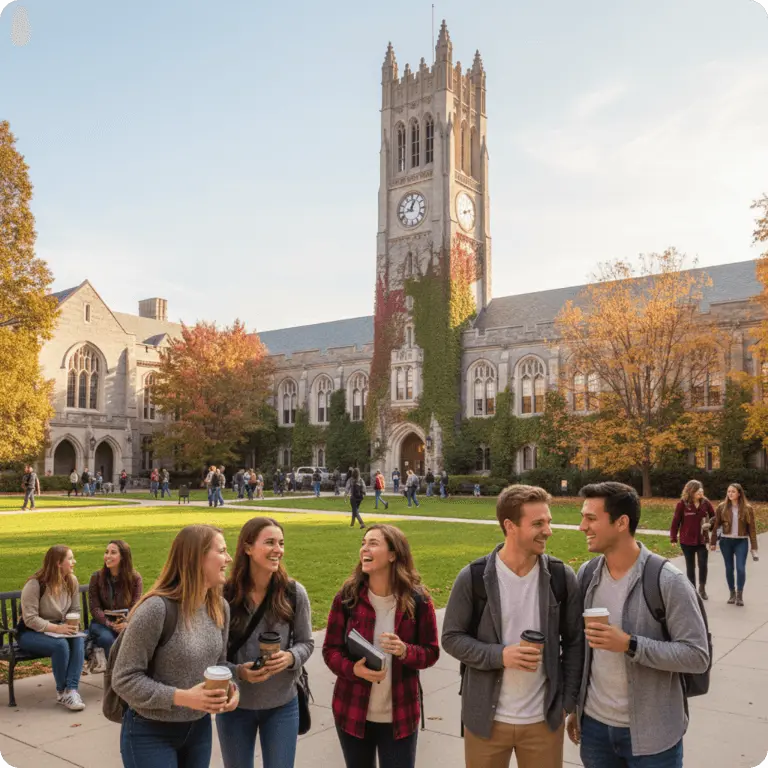 After
AfterAI Image Upscaler
Upscale low-resolution images to 2x, 4x, or even 8K quality with AI. Enlarge photos without losing sharpness — fast and free online.
 Before
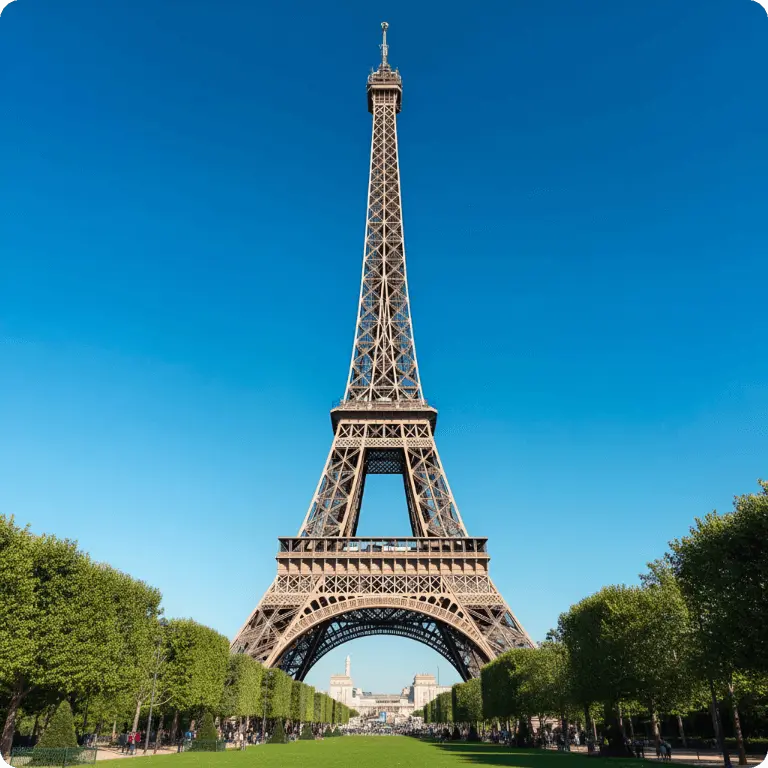 After
AfterAI Image Extender
Extend and expand images beyond their original borders with AI outpainting. Add more sky, scenery, or context to any photo — free online, no watermark.
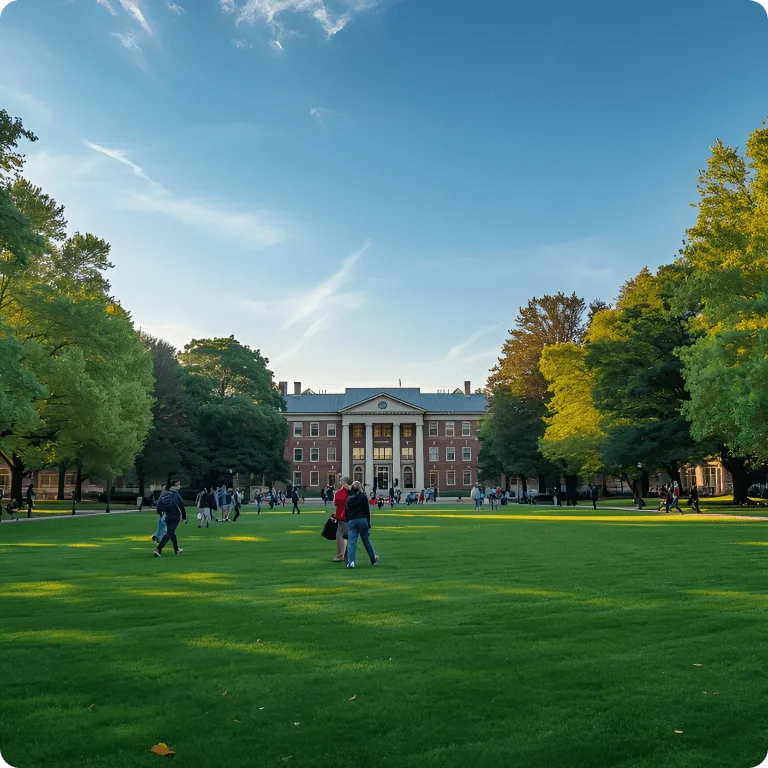 Before
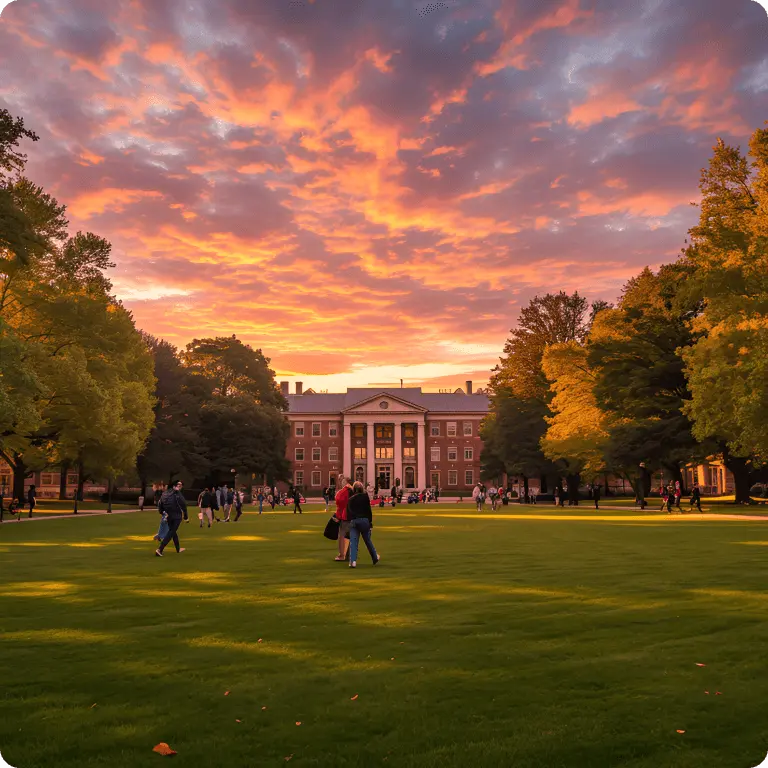 After
AfterAI Background Changer
Change photo backgrounds instantly with AI. Describe a new scene, pick a color, or upload a replacement — free online, no watermark.
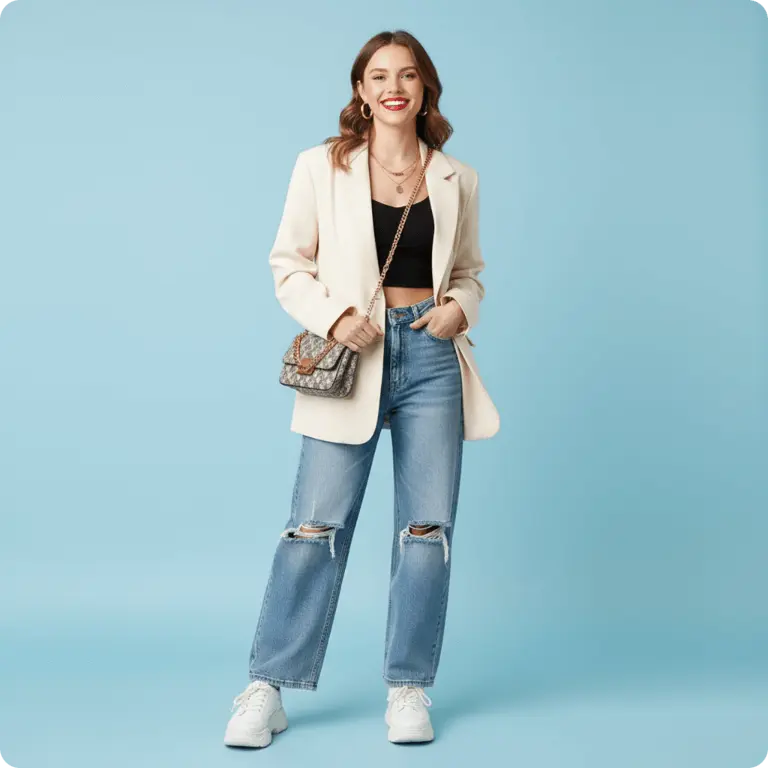 Before
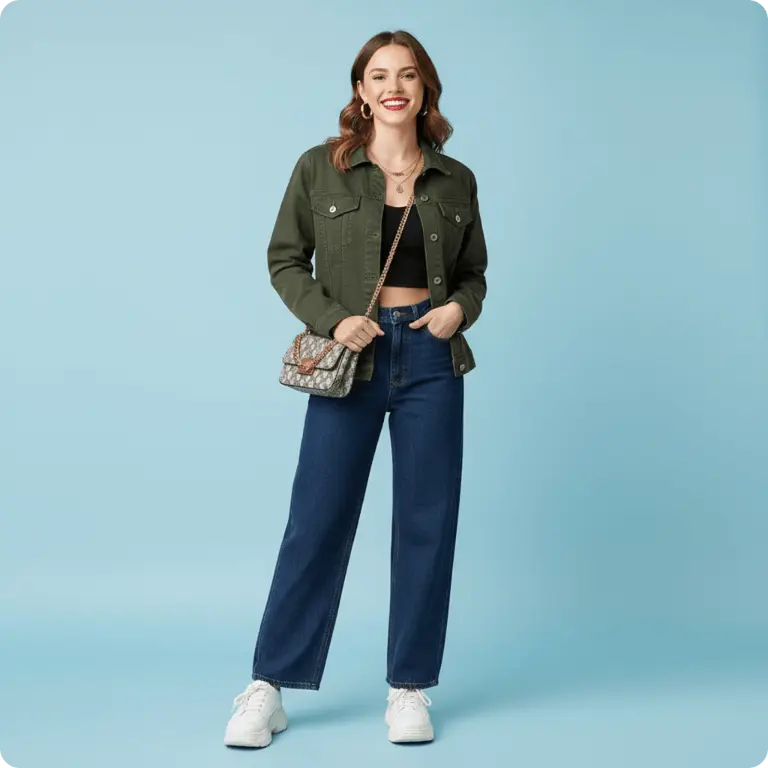 After
AfterAI Clothes Changer
Change outfits in photos with AI — describe the new look or upload a reference image. Virtual try-on for fashion and e-commerce — free online.
500K+
Images Edited
50K+
Creators & Users
4.8/5
Average Rating
99.5%
Uptime
Trusted by Creators Worldwide
From quick AI photo edits to image generation and image-to-image transformations, EditPix delivers professional results — fast, accurate, and watermark-free.
"I've tried Adobe Firefly, ChatGPT, and Gemini for editing images — EditPix was the first AI image editor that delivered exactly what I needed. Remove backgrounds, swap scenes, edit text in photos — all done in seconds. No watermark on any output either."
"This AI background remover is a game changer for my product photos. I used to spend hours in Photoshop cutting out backgrounds. Now I just upload, type a prompt, and get a clean white background in seconds. The free credits were enough to test it out before committing."
"The AI image generator and editor combo is incredibly useful. I can generate concept art from a text prompt, then refine it with the editor — all in one tool. The quality is on par with Midjourney but way more flexible for editing."
"The AI photo restoration tool brought my grandmother's old black-and-white photos back to life. Colorized them, fixed the scratches, and enhanced the quality — the results were stunning. My whole family was emotional seeing those photos restored."
"I use EditPix daily for social content. The AI object remover cleans up distracting backgrounds in seconds, and the cartoon generator turns client photos into viral-worthy content. All free online with no watermark — it's replaced three other tools for me."
"The AI image upscaler and enhancer saved our campaign. We had low-res photos from an old shoot and needed them for a billboard. Upscaled to 8K quality without any blur — the client couldn't believe these were the same images."
"As a student I can't afford expensive software. This free AI image editor handles everything I need for presentations and projects — removing text from screenshots, changing backgrounds, even extending images. No sign-up hassle, no hidden fees."
"The AI photo to sketch converter and cartoon generator are perfect for creating game asset concepts. I upload references and get stylized versions in seconds. The creative flexibility means I can actually create what I need for my game."
"The AI clothes changer and background changer are perfect for creating outfit variations for my blog. I shoot one photo and generate multiple looks with different outfits and scenes. Saves me hours of reshooting. Completely free and no watermark."
Frequently Asked Questions
Everything you need to know about our free AI image editor and generator.
What can I do with this AI image editor and generator?
Almost anything. Use EditPix to remove backgrounds, erase objects or people from photos, enhance image quality, restore old or blurry photos, swap or replace backgrounds, merge multiple images, do image-to-image transformations, edit text within photos, change clothing, alter scenes, and generate entirely new images — all by typing a natural language AI prompt. It's a full-featured online AI image editor and generator.
Is EditPix AI free to use?
Yes — every new account gets free credits to start editing photos with AI immediately, no payment required. You can purchase more credits through a monthly or yearly subscription (better value per credit) or buy a one-time credit pack. Each AI photo edit costs a small number of credits.
What types of images can I edit with EditPix?
EditPix supports a wide range of creative and professional use cases — from product photography and social media content to personal photo editing. All usage must comply with our terms of service and content policy.
Will my AI-edited images have a watermark?
Never. All images you edit and download from EditPix are completely watermark-free, on every plan including the free starter credits. Unlike many free online photo editors, we never add branding to your work.
Do you store my photos after AI editing?
No. We do not retain your uploaded images after AI photo editing is complete. Your files are deleted from our systems automatically. We do not use your images for AI training or any other purpose.
Can I cancel my subscription anytime?
Yes. You can cancel at any time with no penalties. Your remaining credits stay active until the end of your billing period. If you prefer not to subscribe, the one-time credit packs never expire.
How is EditPix different from Adobe Firefly or Google Gemini AI?
EditPix focuses on speed, simplicity, and quality. We deliver fast, accurate AI edits powered by state-of-the-art models, with watermark-free output and zero data storage. Your photos stay private, and you get professional results in seconds.
What image formats does the AI photo editor support?
EditPix AI photo editor supports JPG, PNG, and WebP uploads. Output is delivered in high-quality PNG or JPG format, ready for use anywhere.
Can I use EditPix as an AI image generator?
Yes. EditPix works as both an AI image editor and an AI image generator. You can generate entirely new images from text prompts, or upload an existing photo and transform it with AI — all within a single intuitive interface.
Do I need to sign up to use the AI image editor?
You need a free account to start editing. Signing up takes seconds — no credit card required — and you get free credits immediately to try the AI image editor and generator with no commitment.
Can't find what you're looking for? Contact our customer support team
Explore AI Models
Choose from our collection of state-of-the-art AI models for image, video, and voice generation.

Seedream 4.5
HOTByteDance's high-quality image generation model with excellent prompt adherence.
Seedream 5 Lite
Lightweight version of Seedream 5, optimized for fast image generation.

Wan 2.7
HOTAlibaba's high-quality image generation model with excellent prompt adherence.

GPT Image 2
HOTOpenAI's latest image generation and editing model with native multi-image support.

Grok
xAI's creative image model known for unrestricted artistic generation.
Grok v2.0
NEWxAI's creative image model known for unrestricted artistic generation.

Nano Banana 2
HOTGoogle's fast image generation model with conversational editing, multi-image fusion, and character consistency
Nano Banana Pro
Google's premium image generation model with superior detail and composition.

MiniMax H3
MiniMax H3 is an open-weights, general-purpose multimodal video model. Instead of a separate model for each task, MiniMax H3 reads text, images, video, and audio in one unified context and generates coherent audiovisual results from any mix of them.
MiniMax H3 Max
HOTMiniMax H3 Max is a post-trained variant of MiniMax H3, tuned for stronger prompt adherence and better aesthetics while co-optimized with our custom inference stack for higher throughput with no compromises on output quality
Seedance 1.5 Pro
HOTByteDance's professional video generation model with high motion quality.
Seedance 2.5
Dreamina Seedance 2.5 is ByteDance's next-generation video generation model. It generates native 30-second video at super high resolution and combines up to 50 multimodal references in a single generation.
Seedance 2.0
ByteDance's next-generation video model with improved coherence and visual fidelity.

Kling Video v3
Kuaishou's advanced video generation model with realistic motion and physics.

Happy Horse V1.1
Alibaba's video generation model optimized for creative and dynamic content.
Veo 3.1
Google's new and improved version of Veo 3, with higher-fidelity video, context-aware audio, reference image and last frame support

ElevenLabs
NEWIndustry-leading text-to-speech model with natural and expressive voice synthesis.
Explore AI Models
Choose from our collection of state-of-the-art AI models for image, video, and voice generation.
Seedream 4.5
HOTByteDance's high-quality image generation model with excellent prompt adherence.
Seedream 5 Lite
Lightweight version of Seedream 5, optimized for fast image generation.
Wan 2.7
HOTAlibaba's high-quality image generation model with excellent prompt adherence.
GPT Image 2
HOTOpenAI's latest image generation and editing model with native multi-image support.
Grok
xAI's creative image model known for unrestricted artistic generation.
Grok v2.0
NEWxAI's creative image model known for unrestricted artistic generation.
Nano Banana 2
HOTGoogle's fast image generation model with conversational editing, multi-image fusion, and character consistency
Nano Banana Pro
Google's premium image generation model with superior detail and composition.
MiniMax H3
MiniMax H3 is an open-weights, general-purpose multimodal video model. Instead of a separate model for each task, MiniMax H3 reads text, images, video, and audio in one unified context and generates coherent audiovisual results from any mix of them.
MiniMax H3 Max
HOTMiniMax H3 Max is a post-trained variant of MiniMax H3, tuned for stronger prompt adherence and better aesthetics while co-optimized with our custom inference stack for higher throughput with no compromises on output quality
Seedance 1.5 Pro
HOTByteDance's professional video generation model with high motion quality.
Seedance 2.5
Dreamina Seedance 2.5 is ByteDance's next-generation video generation model. It generates native 30-second video at super high resolution and combines up to 50 multimodal references in a single generation.
Seedance 2.0
ByteDance's next-generation video model with improved coherence and visual fidelity.
Kling Video v3
Kuaishou's advanced video generation model with realistic motion and physics.
Happy Horse V1.1
Alibaba's video generation model optimized for creative and dynamic content.
Veo 3.1
Google's new and improved version of Veo 3, with higher-fidelity video, context-aware audio, reference image and last frame support
ElevenLabs
NEWIndustry-leading text-to-speech model with natural and expressive voice synthesis.
Ready to Edit & Generate Images with AI?
No watermark. High-quality output. Just type a prompt, and watch your AI image edits and creations come to life.
Free credits on every new account — no credit card required.